Welcome to GCDroid
create topics and leave suggestions for new feature
Willkommen zu GCDroid
erstelle Themen und hinterlasse Vorschläge für neue Funktionen

 Cache Setting on Map
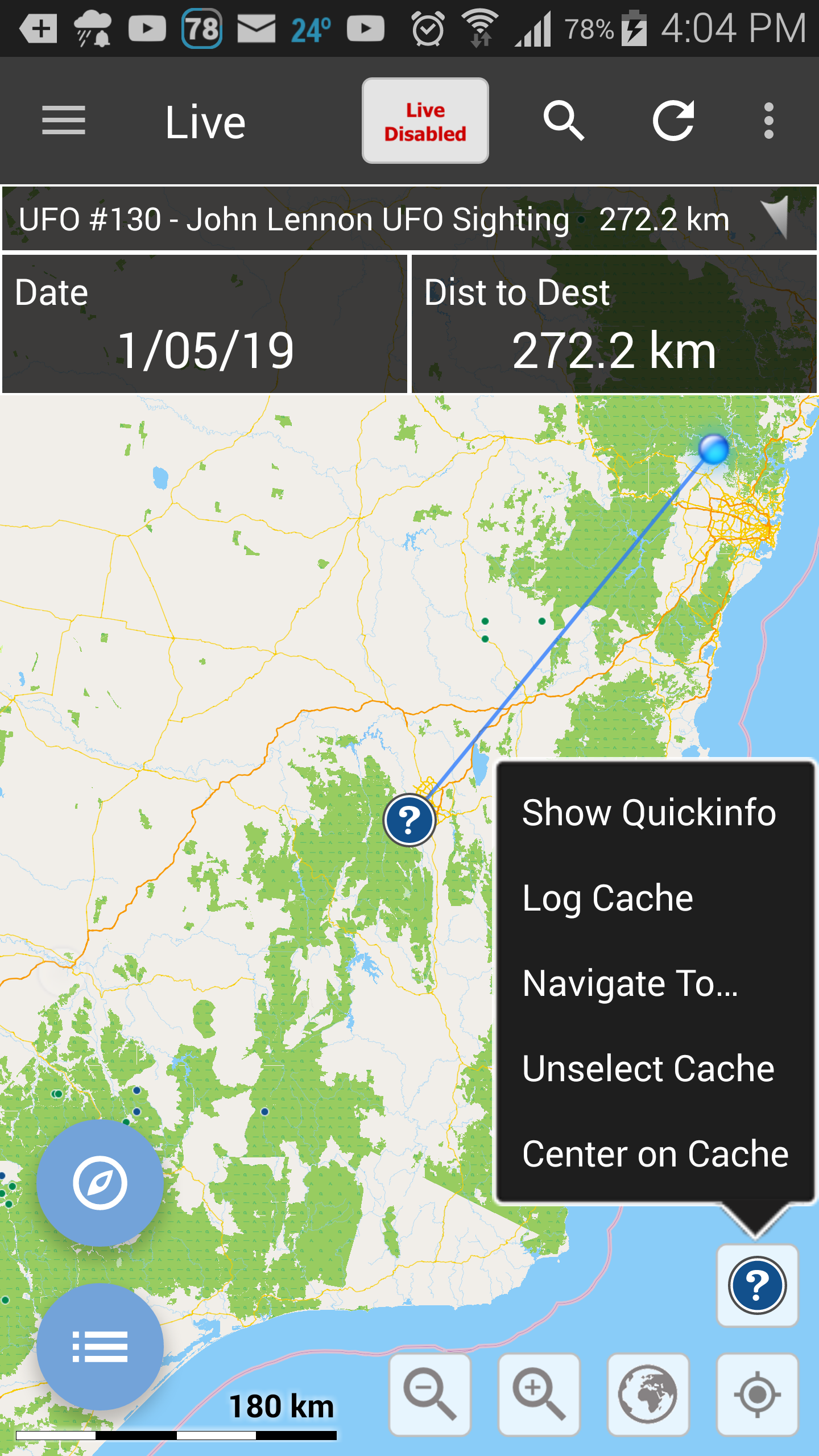
Could we have a Lock option on "Centre on Cache" with an auto zoom to show my location plus the B-line.
Also could we have "My Location" added to this menu, which would have 3 possibilities.. GPS, Car / Trail Start / Waypoint , My Home Location (in-exact).
I'm often reluctant to run my battery down with GPS usage, thus gcdroid always thinks im at a previous location.
Storing my Car location is very handy, or the Trail Start.
And finally, my cache planning is often done at home, so centering on home would be very handy too.

tap the button bottom right, just like google maps it will keep map centered on you. tap again and it will auto-rotate.
move the map and it turns off.
I am not willing to add extra features for users that disable GPS. This is an essential part of this game and the honest saving is barely measurable. Looking at the map in GCDroid with or without battery will not give you anythings noticeable.
use for home is too rare and random that it justifies wasting screen space permanently...
and HQ allows users to opt-in and out of sharing of this data. extra work for these guys...
Will close this topic as all that will be implemented is already done.
Auto-zoom was already discussed before and rejected.
Sort by Direction
it would be handy to sort by NSEW as Distance alone can be opposing directions.
GCDroid allows sorting by 1 (one) thing at a time. If I would add sorting like that it still would not be useful...
Let's say I would sort by degrees and 0 is at top, what if you are traveling at 359 degrees? That would be end of the list.
180 would be middle. You would never find things.
There is not an easy USEFUL way of doing this... so no.

Display Cache Waypoints on Map
Would love to see a caches waypoints on the map when cache selected.
they will show as soon as you select 'goto' which draws the line and will show the waypoints.
 No apps can perform this action

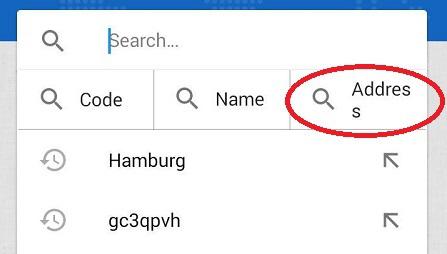
Search by city
I would really appreciate this little piece in the app.
B-line improvement
After using the Goto function and live map whilest driving roads its become apparent that the "B-Line" to the cache is very hard to see. Any chance it can be changed to Red for example, or thickened?

"Merge Database into" still does not work.
If i tap at the line, GCDroid *seems* to work, but there is no visible result.
It's the same behaviour as in our mail-chat a couple weeks ago.
Samsung Galaxy S9, Android 9.0, testet with Database on SD-card and internal memory...
I don't see why I would sort that list. too much work, too little benefit.
Why would you sort it by biggest list first?
Date format has changed to USA, MM/DD/YYY
Setting English will default everything to English/USA. The way Android works is that you basically pick a 'country'. Using Default does not set a language and device date style is used.
GCDroid still decides if a long or short format should be used but the look and feel is defined by the device. English is the default language of the app and will be used if no other supported language can be found.
Anyways, it works as expected, BUT we could open a new request to have option to select date and time format (eg. DD.MM.YYYY or MM/DD/YYYY and AM/PM vs 24h).
If you feel this would help please open a new feature request. Closing this bug report since it works as intended under the given limitations.
Customer support service by UserEcho